

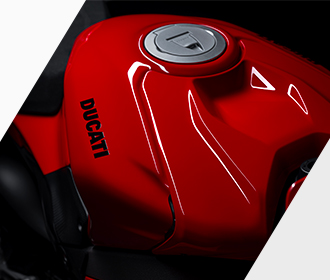
A complete range designed to meet every need.
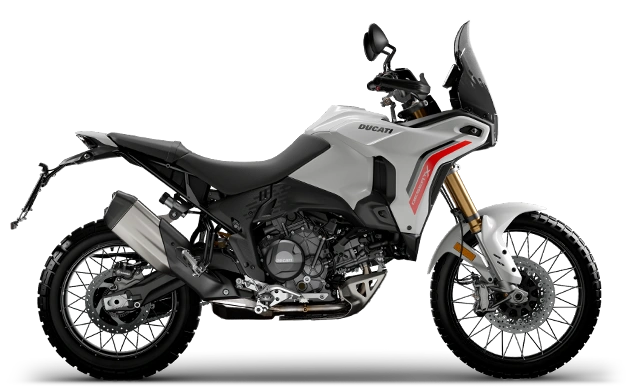
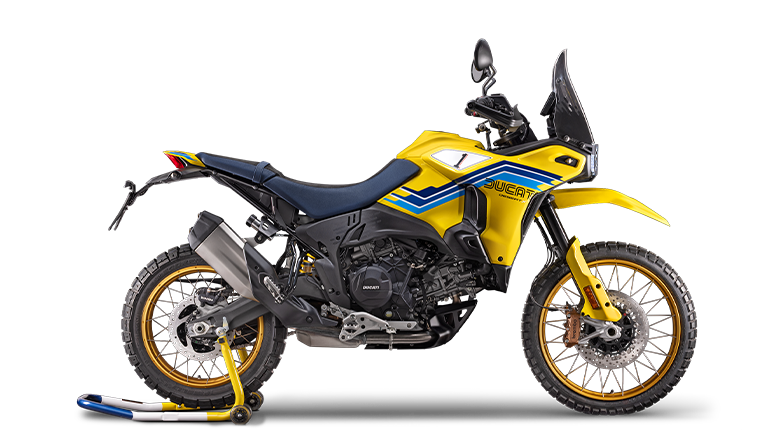
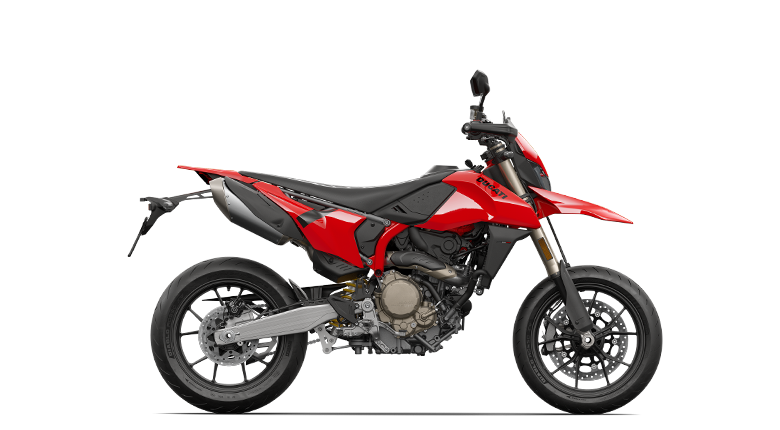
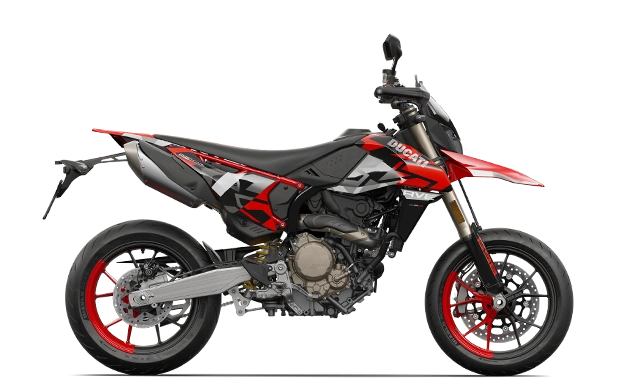
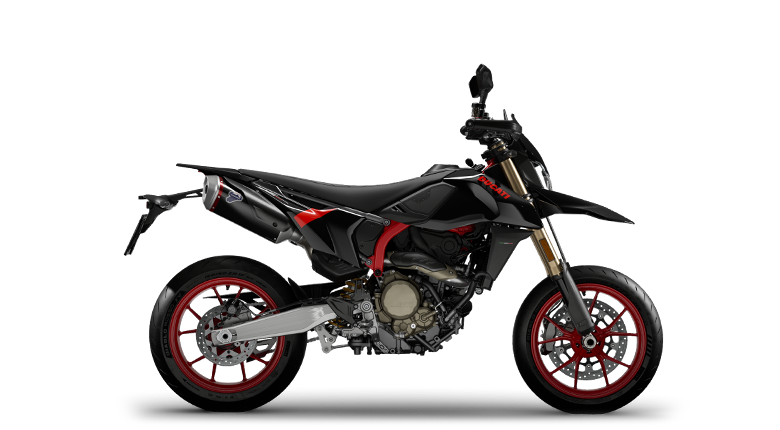
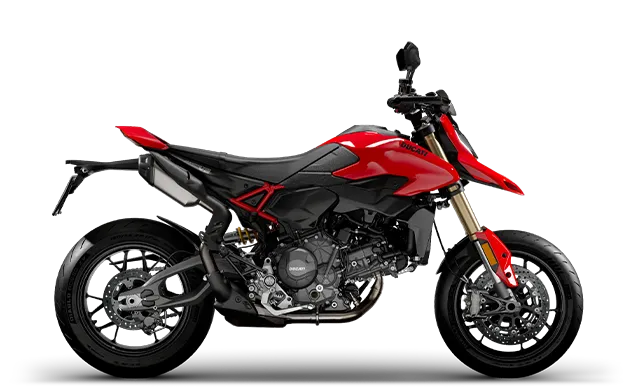
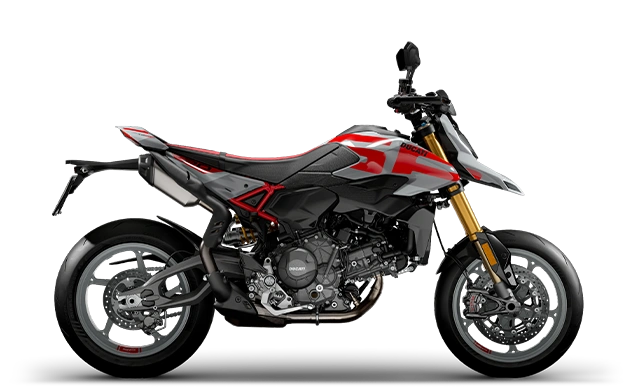
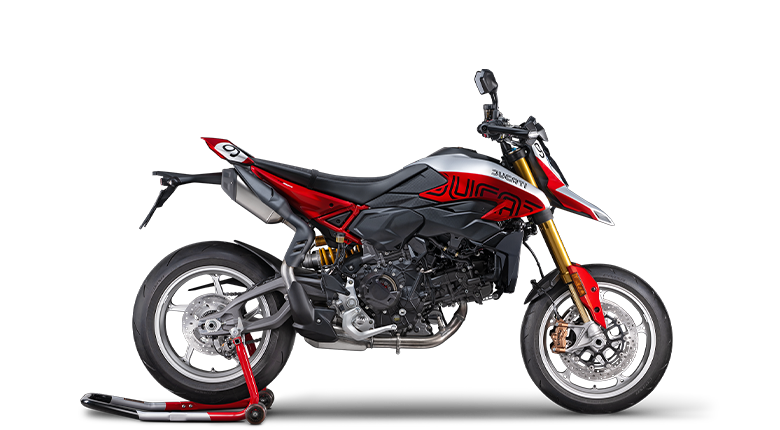
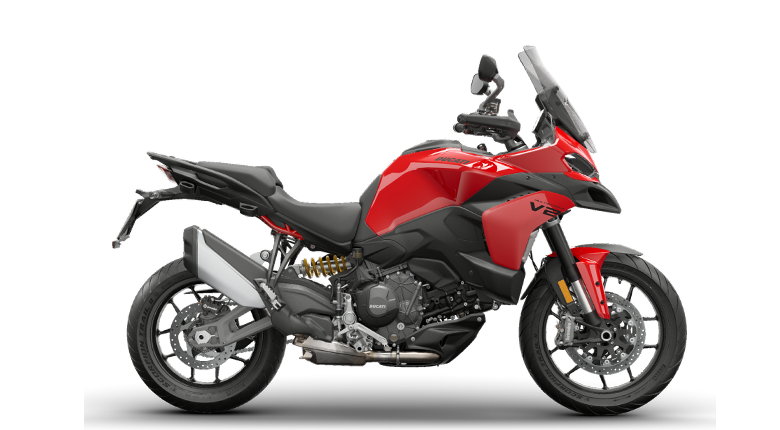
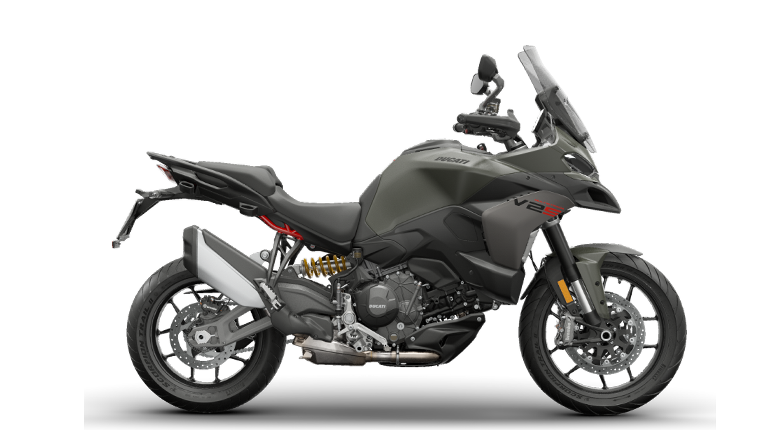
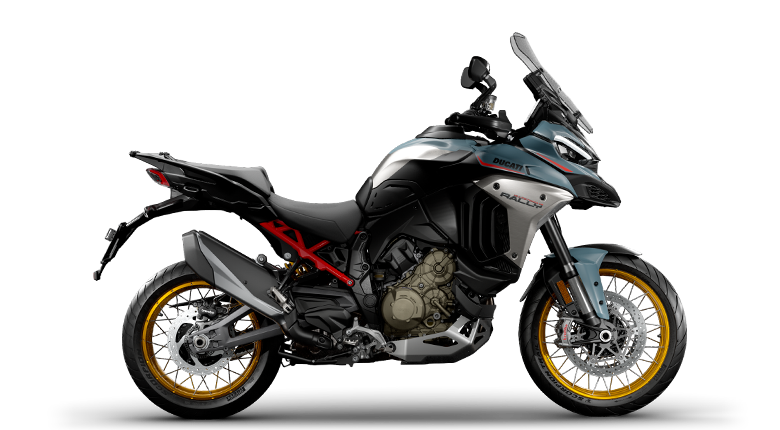
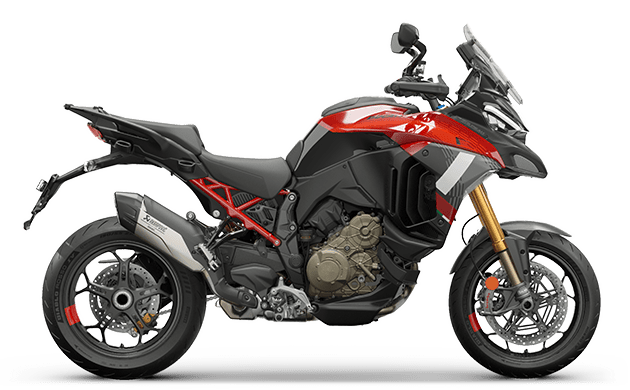
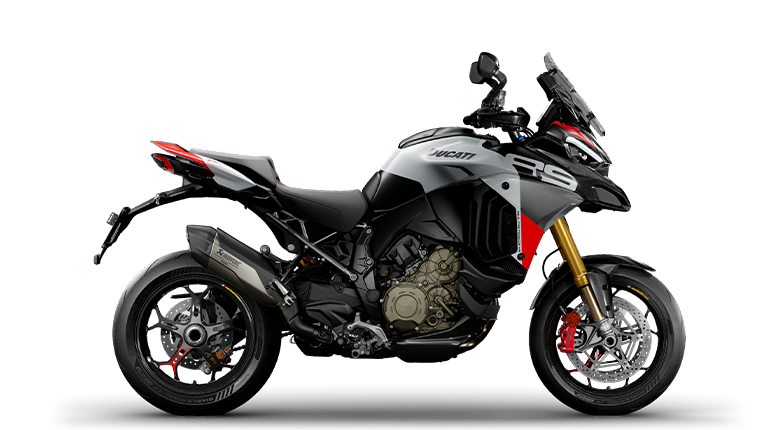
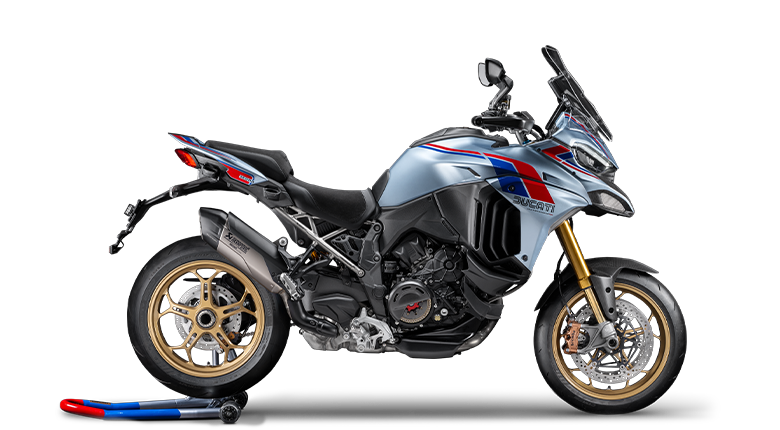
New DesertX
- 110,3 hp Power
- 92 Nm Torque
- 209 kg (461 lb) Dry weight









Below are some of the configurations required for the correct operation of the Ducati Connect and Sygic Apps.
Activate Bluetooth, Wi-Fi and GPS on your smartphone.
In the Ducati Connect App set the following authorisations (some are specific for the smartphone operating system):
Additional configurations required on Apple devices.
– “Always” allow access to GPS location
Settings -> Privacy -> Location Services (Yes) -> Ducati Connect -> Always
– Incoming calls (function available from iOS 14 onwards) > “Banner”
Settings -> Phone -> Incoming calls -> Banners
To use the Sygic App, make sure that in the App the following configurations are set:
– Bosch connectivity > “Activated” (only for iOS devices)
Menu -> Settings -> Connectivity -> Enable Bosch connectivity -> Activated
– HFP Bluetooth > “Disabled” (for both iOS and Android devices)
Menu -> Settings -> Bluetooth -> Use Bluetooth (HFP) -> Disabled
– Bluetooth connection > “Device default” (only for iOS devices)
Menu -> Settings -> Bluetooth -> Device default -> Enabled
Read the instructions to import tracks in .GPX format and to activate the ‘Twisty Route’ option
Enable Bluetooth (make sure it is visible during the first pairing with the bike*), Wi-Fi and GPS on your smartphone.
Install the Ducati Connect and Sygic GPS Navigation Apps (available on Apple Store and Google Play Store).
* to make your device visible via Bluetooth, read the instructions of your smartphone: each device has its own system (e.g.: for iPhone it is enough to keep the Bluetooth screen in the settings open, for Samsung it is necessary to disable the item “Only visible to paired devices”, etc.)
Check that there are blue icons on the instrument panel relating to: phone-motorcycle Bluetooth connection active, phone battery status and mobile network coverage. At this point, launch the Ducati Connect App on your smartphone, start the vehicle mode and wait for the automatic connection process to be completed (when prompted, authorise Wi-Fi connection from the instrument panel on iOS devices).
Check that the screen saver with the “Ducati Connect” logo appears in the App and that the Ducati Connect item on the instrument panel turns white and can be selected.
The connection for mirroring is made via Wi-Fi, the connection to the USB socket is only for battery charging. The smartphone can clearly be left connected so that it is powered.
Ducati continuously tests many of the most popular and recent smartphones, but the operating systems and technological solutions adopted by smartphone manufacturers are not under Ducati’s control: it is therefore not possible to guarantee operation on all smartphones on the market and their software and firmware.
The instrument panel functions have been tested and validated with the main available smartphones, e.g. Samsung Galaxy S22, Google Pixel 7, OnePlus 9, Redmi Note 9 Pro, iPhone 14 Pro, iPhone 13, iPhone12, iPhone11, iPhone XS, etc. and with the operating systems available during the development phase and higher than Android 11 and iOS14.
No, access to the Ducati Connect and Sygic Navigation Apps on your MTS is completely free of charge: authorisation to use it, which occurs when the phone is connected to your bike, requires the activation of the Premium navigation licence for which there is no need to purchase any additional package or annual renewal.
Of course, the license to use the Apps is associated to the motorcycle and not to the single smartphone. Therefore, you can use a different phone, as long as you have installed the Apps correctly configured. The Sygic app will read the VIN number of the motorcycle when it connects to it and will enable the license.
Starting from version 22.0.4 (Android) and 22.0.3 (iOS) of the Sygic GPS Navigation App, it is possible to manage the routes in gpx format. Click here for more instructions.
Of course, once the route has been set, in the Options field, you can select a preference for winding roads: a new route with more curves will be recalculated. Click here for more instructions.
Ducati Connect accesses your smartphone’s music library, it does not connect to other Apps because they are currently not compatible with Bosch MySpin.
No, only Sygic GPS Navigation because other apps are not compatible with Bosch MySpin. Sygic has resident maps, it also works without network coverage and is approved by Bosch.
You can connect an external navigator, but it cannot be used via Ducati Connect.
The intercom pairing method is very similar to that of a telephone:
set the intercom in “pairing” mode (activation of this mode is specific to each model, so we recommend that you refer to the device use and maintenance manual)
via the Interactive Menu of your MTS, select Bluetooth -> Pairing -> Rider 1 (or Passenger 2) and press Enter
wait for the end of the device search
select the device to pair from those listed and press Enter
The instrument panel functions have been tested and validated with Cardo Packtalk Bold (part no. 981018768) and Nolan B901X (part no. 981071104) intercom.
It is however possible to associate and use other intercoms, although it is not possible to guarantee the operation of all the intercom devices available on the market.
Note: the use of standard Bluetooth telephone headsets (such as AirPods) will not allow the system to function properly.
You can pair a maximum of 2 smartphones (of which only one can be connected to the bike during use), 1 pilot intercom and 1 passenger intercom. If you want to pair a new device, you must first delete one of the corresponding devices already paired.
You can adjust the volume either by accessing the dedicated item (Volume) in the menu of the main screen or by pressing the joystick to the right and holding it for quick access. A graphic indication will show the set volume level and the audio source you are adjusting.
Note: even if the adjustment is made by acting directly on the main audio of your smartphone, make sure to correctly adjust the volume set on your intercom, which may not be adequate, limiting the total audio level.
Check that voice prompts are enabled and that the Voice Guidance is activated in the Sygic navigation App settings
(Menu -> Settings -> Language and voice -> Voice Guidance).
During the call (banner visible on the instrument panel) some controls are inhibited. However, you can exit the call menu (long press on the joystick to the left) to restore normal operation of the control keys on the left switchgear.
The pop-up requesting permission for the connection appears only the first time you connect with the bike, or if the smartphone was previously connected to another Wi-Fi network, such as your home network. On subsequent connections, no permission will be requested and therefore no pop-up will appear.
NOTE: For Android systems only, if the Ducati Connect connection is lost during mirroring while riding, pressing the middle button on the joystick for 2 seconds will restore the connection (the screen lock will be deactivated on the smartphone and Ducati Connect will reappear in the foreground).
Normally, in case of prolonged stops, it is necessary to wait for the reconnection time – about 60 seconds from key-on – for Ducati Connect to be available.
With the latest improvements to the infotainment system, the possibility of keeping the connection active during a short stop has been introduced: when the bike is turned off with the key button, a message on the instrument panel will inform you that to keep the connection active you just have to press the joystick, thus allowing the connection to be extended for a further 20 minutes, even with the bike turned off.
NOTES:
To keep this connection active it is obviously necessary to stay within the Wi-Fi network coverage range (20/25 metres), otherwise, like all Wi-Fi networks, it disconnects.
At this stage the audio continues to be managed through the intercom, so in case of a call you need to bring the audio back to the smartphone if you are not wearing the helmet.
If you have any specific comments and/or suggestions related to the Ducati Connect and Sygic system, please submit a report to the Ducati Customer Service or contact your local dealer.